Rackline
Rackline helps your shop store seasonal tire sets without losing them in the bay.
Intake on the phone. Run the office on the web. Print a label the customer can scan when they pick up.
Free for 10 sets · Plus $24.99/mo · Premium $49.99/mo (CAD)
Works in any phone browser — add it to your home screen
Canada-first tire storage software for tire shops & dealerships · sales@racklineapp.com
Built in Ontario by a working tire shop (GT Auto).
Product
What Rackline does
Who it’s for
- • Independent shops
- • Tire dealers
- • Dealership service departments
- • Fleets and dedicated storage bays
How it works
- • Phone for the floor, desktop for the office
- • Intake, labels, and changeover in one shop account
- • Printer and DK-1202 labels sold separately
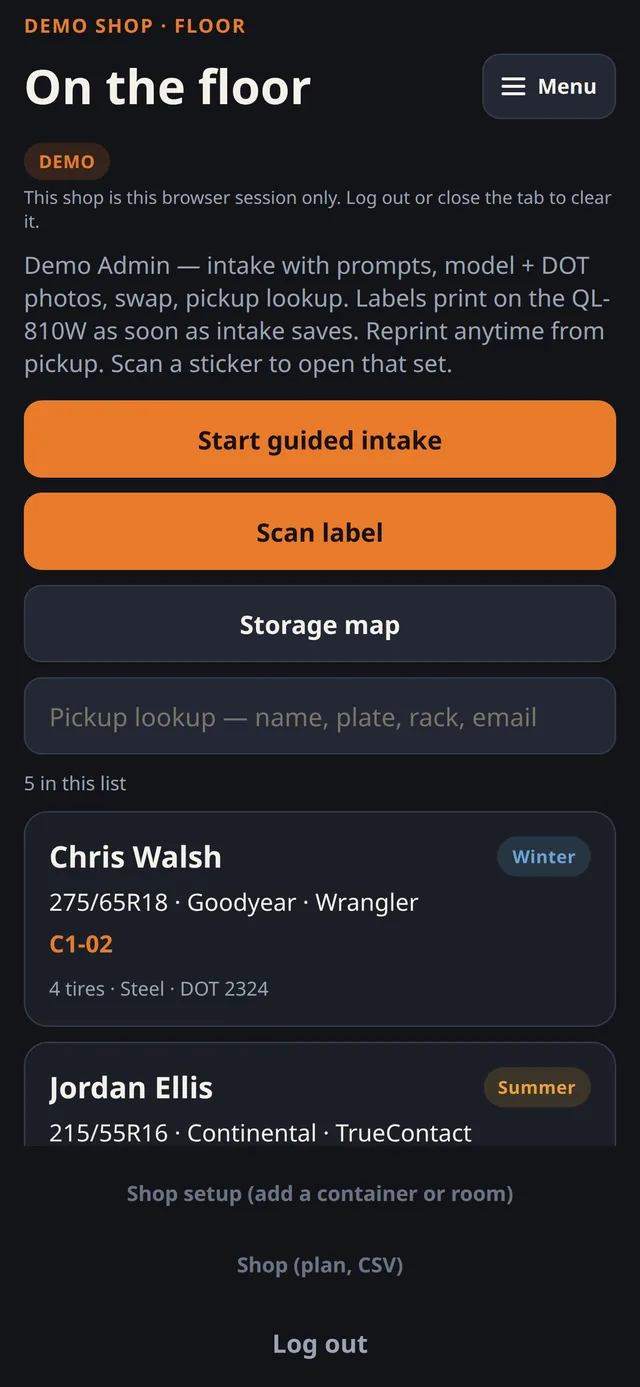
Rackline app (demo shop data)
- • Seasonal storageIntake, photos, swap at changeover, find the set at pickup.
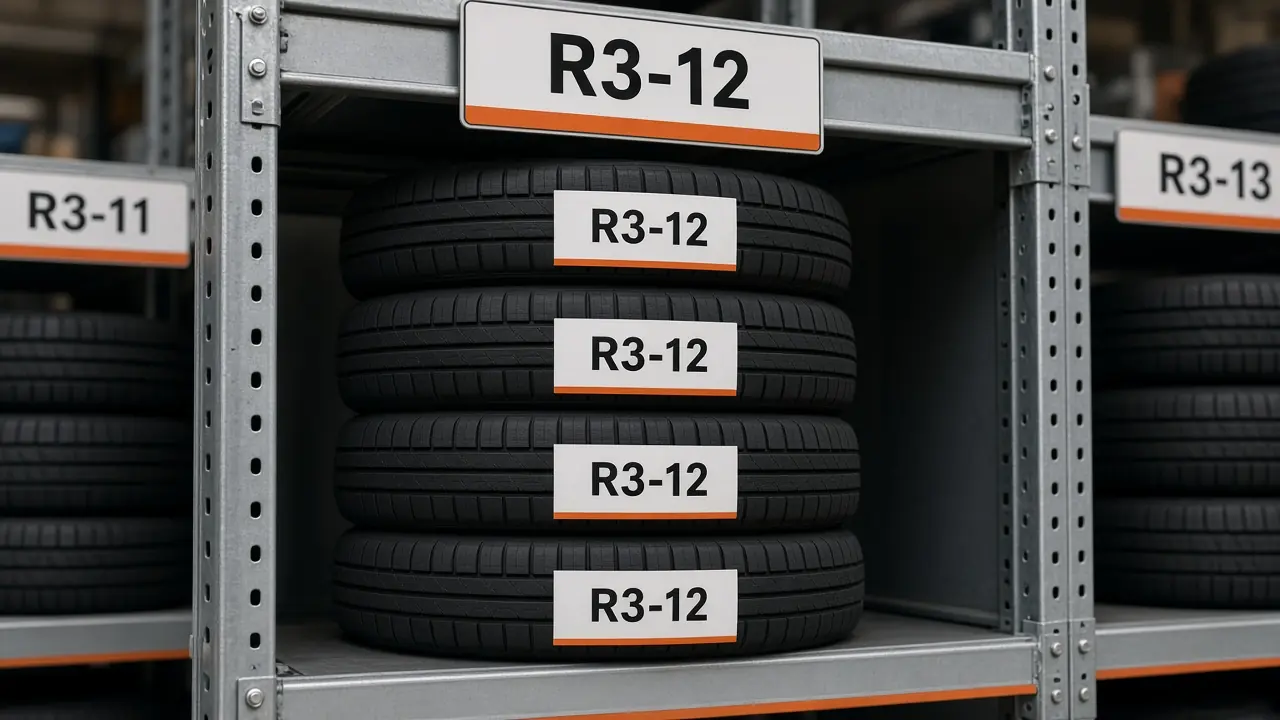
- • LabelsBrother QL-810W on DK-1202 (2.4" × 3.9"). Bay number for the floor; QR for the phone. Printer and labels sold separately. Plus and Premium include label printing in the app.
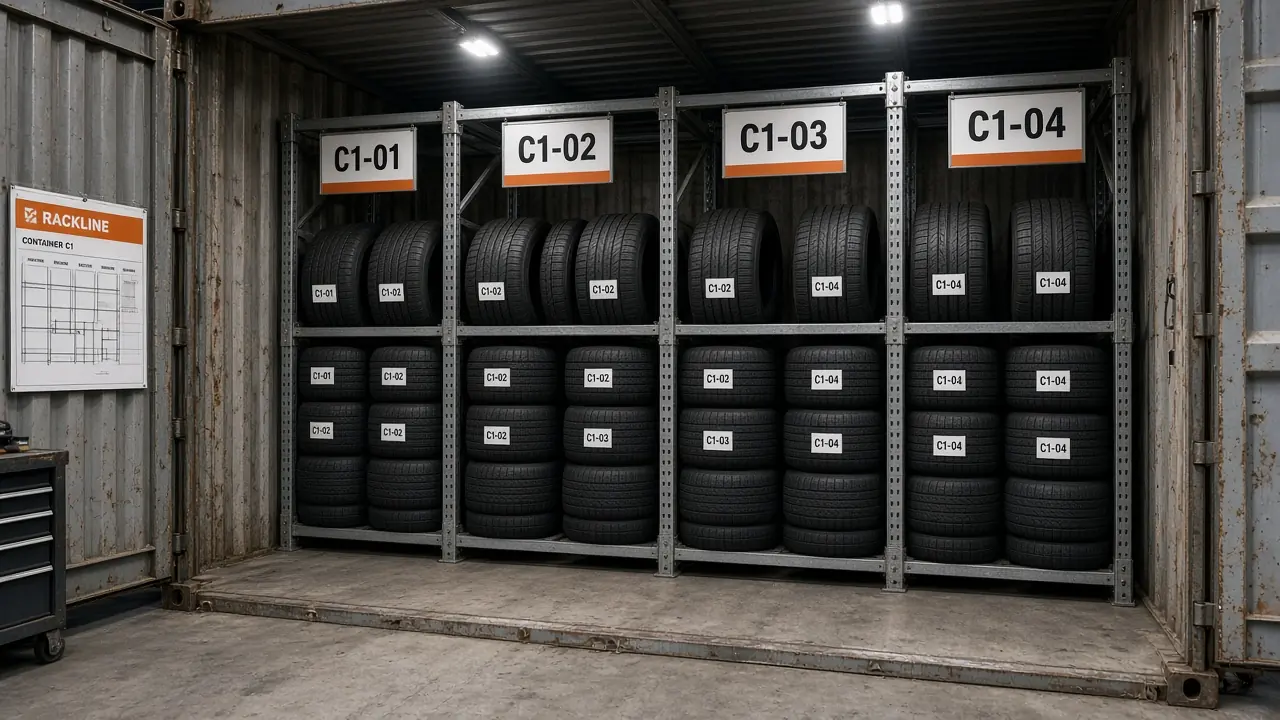
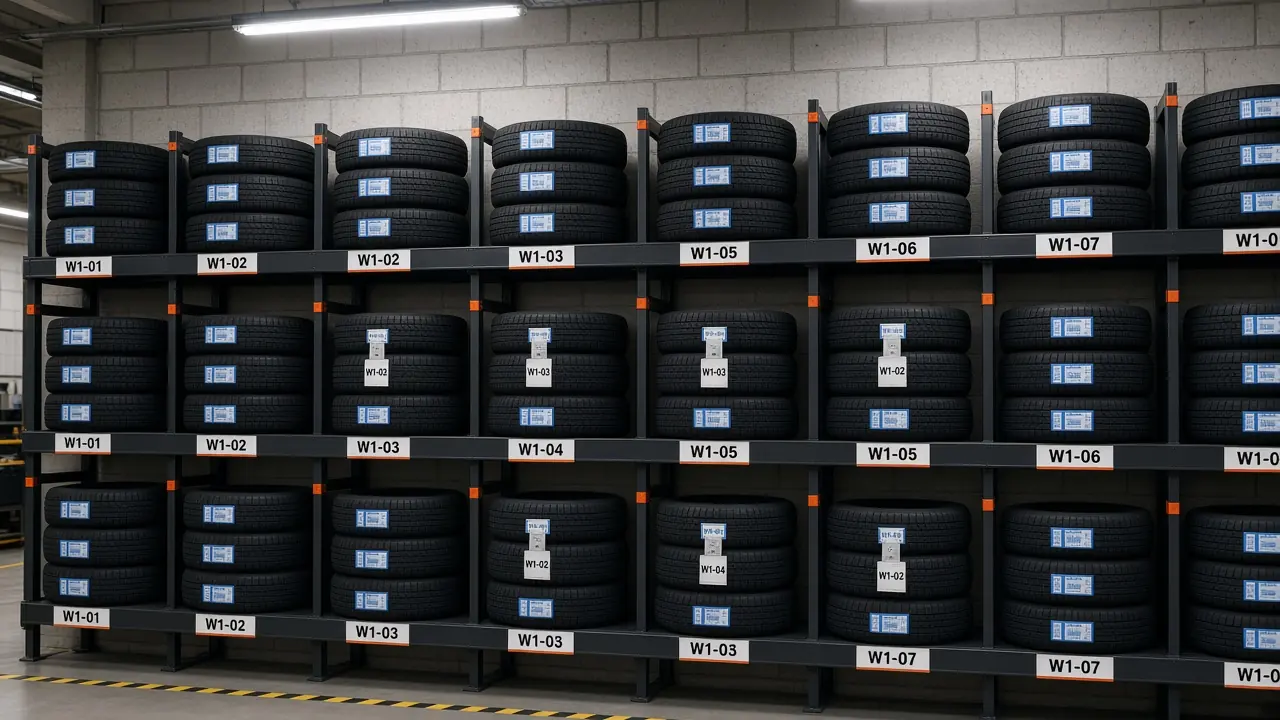
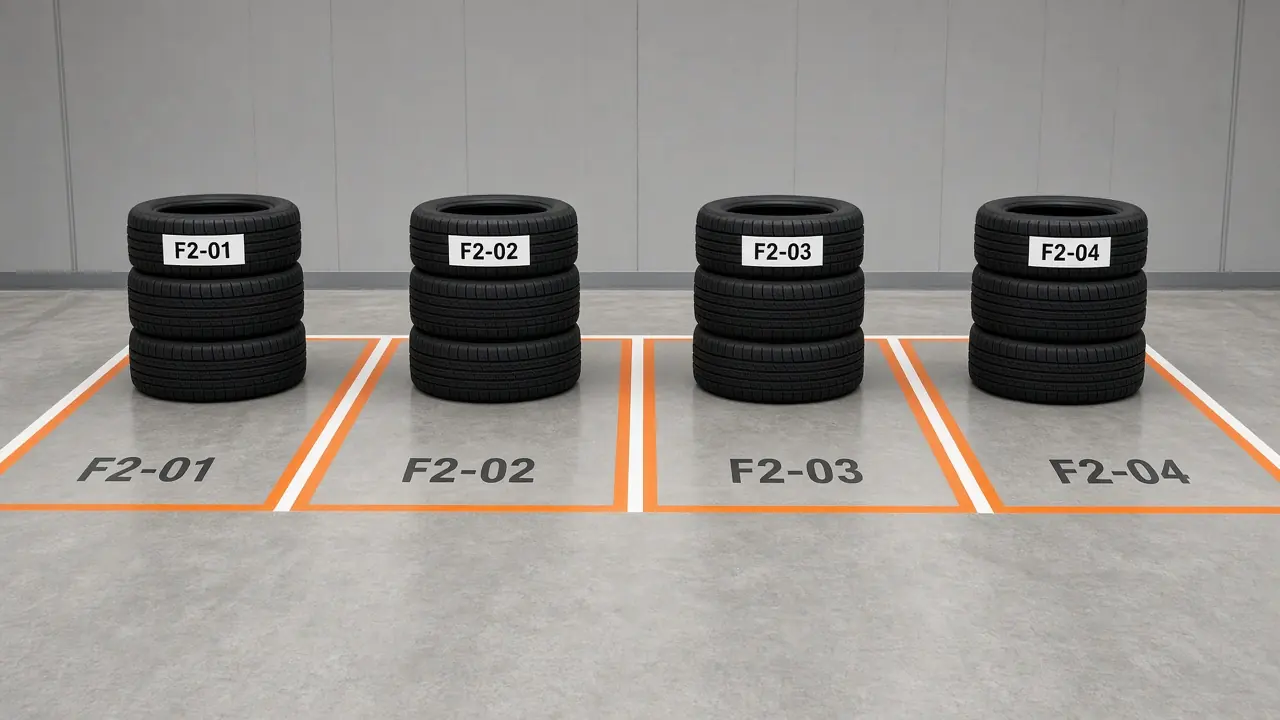
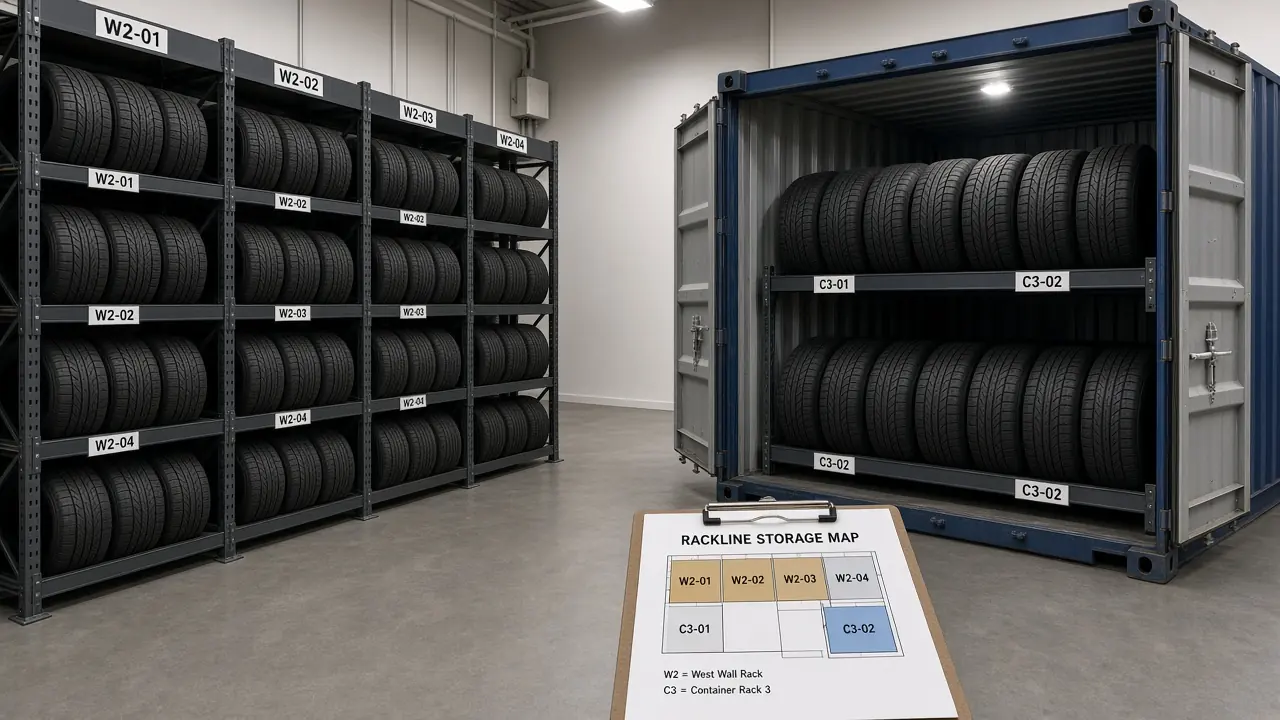
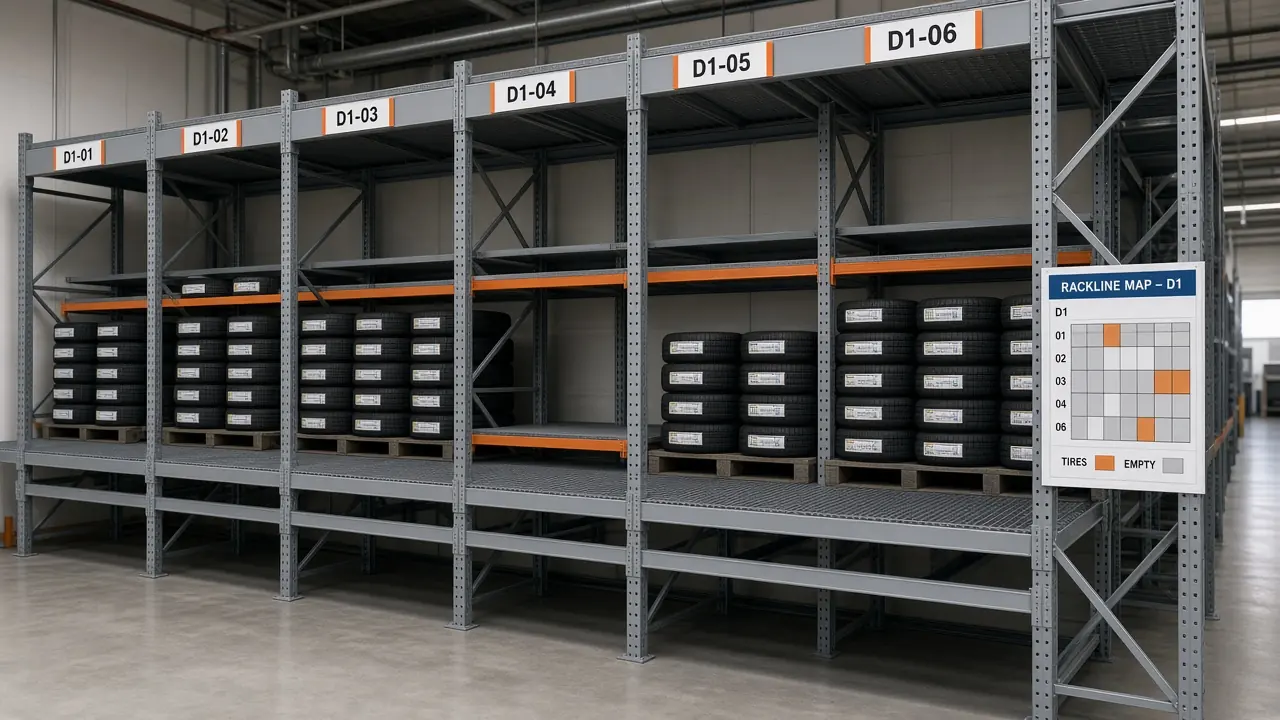
- • Storage mapContainers or wall racks. Numbered bays. See what’s full before you take the next customer.
- • Office + floorWeb for the office. Phone for the bay. Free is phone-only (10 active sets).
Solutions
Tire storage pages
Guides for shops comparing tire storage software, a tire hotel, labels, or a spreadsheet.
Pricing
Monthly plans
Free for 10 sets · Plus $24.99/mo · Premium $49.99/mo (CAD, plus tax)
Prices are in CAD. Square converts to your card’s currency at checkout — US shops pay CAD (no separate USD checkout yet).
Free
10 active sets
Free
Plus
250 active sets
$24.99 CAD/mo + tax
Premium
2,000 active sets
$49.99 CAD/mo + tax
Plus and Premium: Ongoing monthly subscription — not a one-time purchase. Billed monthly · Terms
See full pricingWatch
How Rackline runs a bay
Short walkthrough — intake, labels, and changeover.
How-to videos
See intake and labelling in 90 seconds
Ep. 1: Tire Storage Intake & Labelling
Check in a seasonal tire set, map its bay and print the QR label.
The AI tech is a dramatization.
See all how-to videosLayouts
Map the storage. Label the set. Find it at pickup.
Map containers and wall storage. Put the bay on the set. Labels match the grid — no more lost sets.
Example storage layouts
Shop data
Your shop’s data stays with your shop
Each shop only sees its own inventory when signed in.
Shop isolation
Inventory is scoped to the signed-in shop. Other shops cannot open it.HTTPS and hashed passwords
The live site is HTTPS. Sign-in passwords are hashed and never shown.Demo never writes a real shop
Try demo is a sample shop for this browser session only. It is not saved and is never mixed into a real shop.Delete your account
Shop → Delete my account permanently removes that login after you confirm.